Digital Art Tools for Photoshop Certification

Oxford College of Education

V&A
Prijzen
school-reference
detail

Klas schema

Tijdsduur van de cursus
52 weken
Start data
Elke Maandag
Lessen per week
1 lesson per week (elke les duurt 60 min)
Lesdagen
maandag - zondag

Les rooster kan veranderen afhankelijk van beschikbaarheid en seizoen.

Cursus beschrijving

Digital Art Tools for Photoshop Certification
Ever wonder why a picture in a magazine looks flawless or how creative an advertising banner looks? While being a professional designer or photographer may have a lot to do with it, the potential to create amazing images is possible for anyone. The key is to learn how to use the right post-production software, such as Adobe Photoshop. The ability to create multi-layers with unique effects and designs allows the designer to add depth and dimension. It is important to understand what Photoshop is used for as it has multiple functions and can be a very useful tool in not just editing photos, but also creating pamphlets, banners, business cards and flyers. This course will teach you about the benefits of such a program and also provides instructions on how to use it for both professional and personal needs.

Throughout the course, you will see 21 different videos. Each video will take you on a step-by-step journey through the basic features of Photoshop. While there are several obvious features, such as the ‘Layers’ dialogue box, there are additional ways to use each tool to maximise the post effects of a photo.

In this course, you will learn:
How to create a new file and adjust a canvas size that is suitable to project needs
How to navigate through the software, where to find its tools and understand the layout of the page
Learn how to identify Photoshop tools and understand their basic functionalities
Learn how to identify the secondary tools, how to select them and what they are used for
Learn shortcuts and understand how and when to use them
How to use the layer option and understand the layer dialogue box
Learn how to use and apply adjustment layers
How to add effects and filter to an existing image
Course Benefits:
You will learn the basic steps of using Photoshop and can begin to create a design
How to become more efficient by using shortcuts and understanding the use of specific tools
You will understand how to enhance an image and ways to crop the image to reuse for another project
The importance of colours and how they can be adjusted and enhanced using the different colour options such as colour balance
How to use brightness and contrast, exposure and hue and saturation to manipulate a photo
How to use rulers to make creative designs such as pamphlets
Design elements that enhance a creative project

Klasniveau

Alle niveau's, beginner tot geavanceerd
U zult een toets afleggen op je eerste dag om zo te kunnen evalueren welke uw klasniveau is. U kunt deze test ook doen voor aankomst in !Regio.

Klasgrootte

Gemiddeld 12 studenten
Maximaal 15 studenten

Studenten leeftijd

Leeftijdsgroep 16 - 35 jaar oud
Gemiddeld 19 jaar oud

Certificaat

Een certificaat van voltooiing zal uitgereikt worden aan het einde van de cursus.
lees meer...
school
photos

Foto's

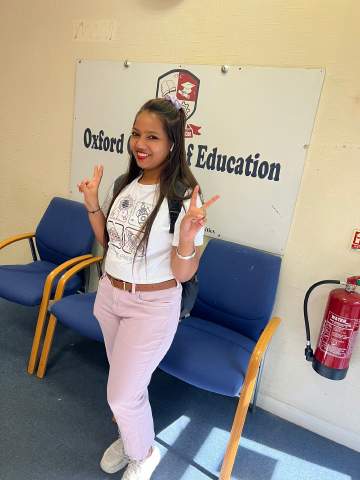
  • Oxford College of Education 1/10
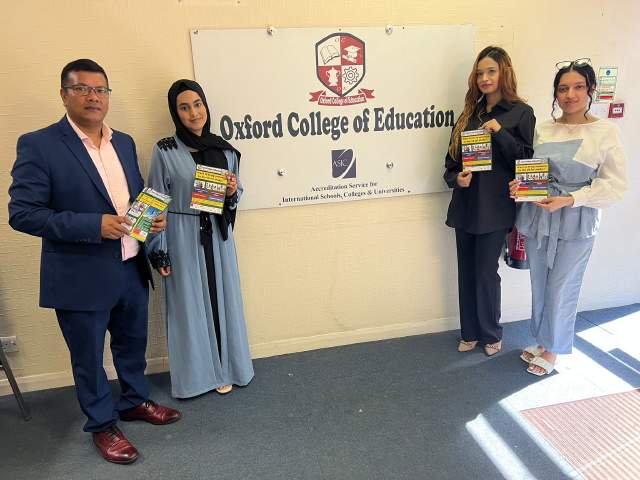
  • Oxford College of Education 2/10
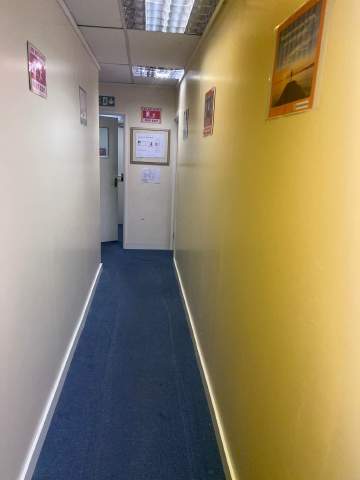
  • Oxford College of Education 3/10
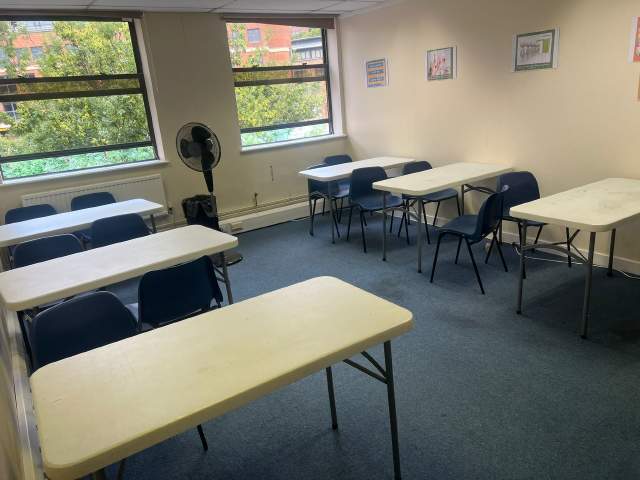
  • Oxford College of Education 4/10
  • Oxford College of Education 5/10
  • Oxford College of Education 6/10
  • Oxford College of Education 7/10
  • Oxford College of Education 8/10
  • Oxford College of Education 9/10
  • Oxford College of Education 10/10
visa

Visa assistentie

We kunnen geen visas voor studenten aanvragen. De school kan u echter wel met alle benodigde documentatie voorzien die u nodig heeft voor uw visa aanvraag.

Indien u voor meer dan 11 maanden in de VK studeert, zult u een referentie nummer ontvangen genaamd Confirmation of Acceptance for Studies (CAS) die u bij de VK ambassade in dient te leveren samen met uw Standaard Studenten Visa aanmeldingsformulier. Studenten die succesvol een talen cursus gereserveerd hebben en die hun kosten betaald hebben zullen een CAS van OCE ontvangen. Let aub op dat UK wet aangeeft dat een CAS alleen aan studenten gegeven kan worden die Engelse taal studies willen gaan doen die meer dan 11 maanden duren.

Indien u voor 11 maanden of minder in de VK studeert, dient u een speciale bezoeker's visa aan te vragen genaamd Student Visitor Visa. Als student bezoeker, zult u niet in staat zijn part-time te werken terwijl u studeert. Indien u van plan bent om 11 maanden of minder in de UK te studeren, zal een acceptatiebrief naar u gestuurd worden tegen geen extra kosten.

Lees meer over het verkrijgen van een VK visa »

Vlucht en airport transfer

Please note that we do not book flights for our students. If you are researching airfare costs, we recommend using Kayak.com, a search engine that lets you compare flight options from your home country to High Wycombe based on your budget, schedule and preferences.

Reisverzekering

Studeer in het buitenland zonder zorgen met Language International's medische en persoonlijke effecten verzekeringsdekking. Wanneer u een cursus met ons reserveert, kunt u kiezen om een internationaal plan te kopen die niet alleen uw medische kosten dekt maar ook het verlies van persoonlijke spullen. U moet uw verzekering van te voren reserveren wanneer u registreert.

Lees meer omtrent ons verzekeringsplan »

lees meer...
questions

Vragen & antwoorden

Heeft u vragen? Krijg antwoord van onze student adviseurs en medewerkers en oud-studenten van Oxford College of Education.

Stel een vraag
Prijzen weergeven